Best API Testing Tools for Java Developers in Production Environment
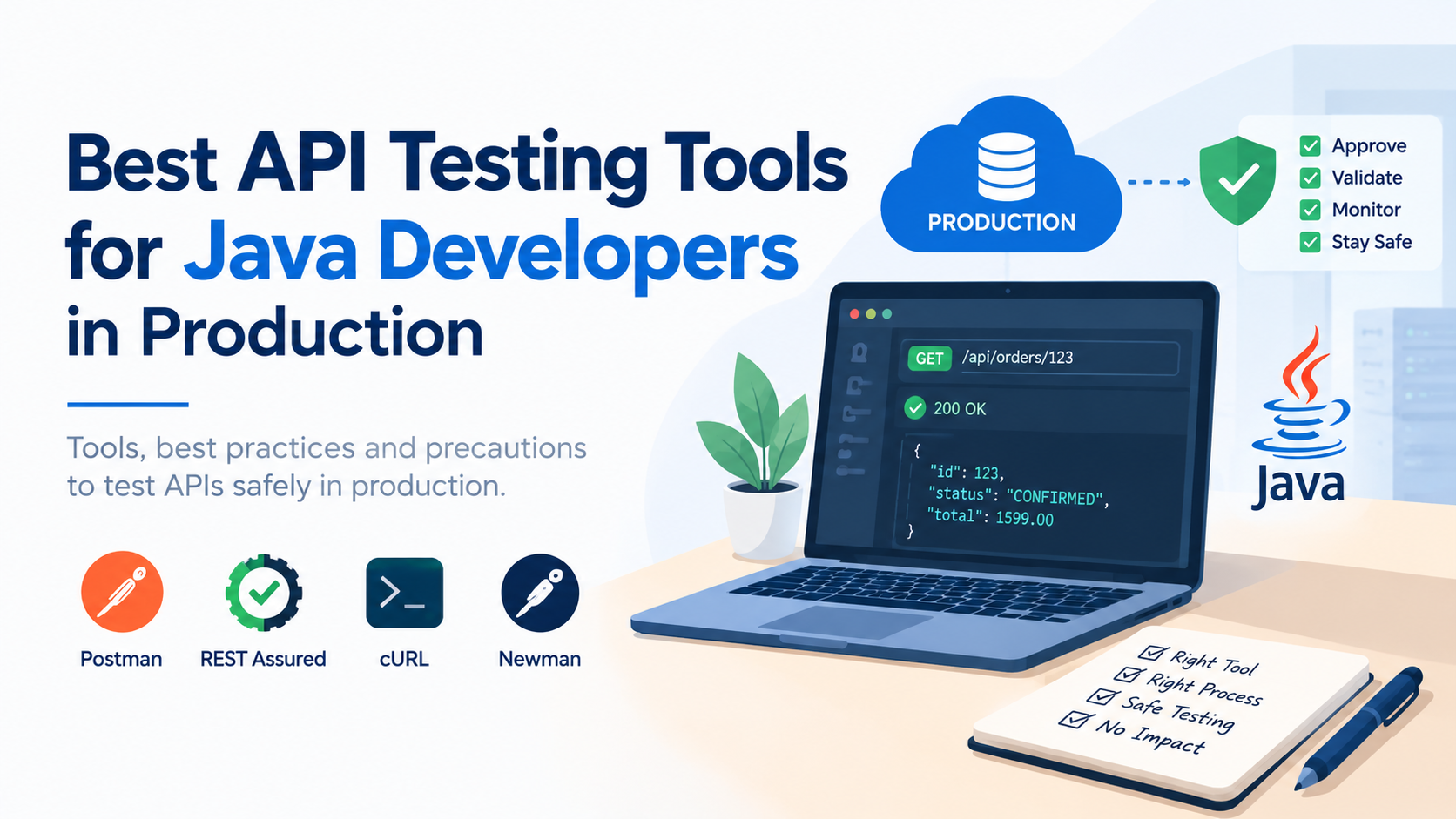
API testing is straightforward in local, QA, or UAT environments. Production is different. Here, the goal isn't simply to verify that an API works — it's to validate it without impacting customers, data, or downstream systems.
As a Lead Software Engineer working with Java and microservices, these are the tools I would recommend for real-world API testing.
My Top API Testing Tools
🥇 1. Postman — Best Overall for Production API Validation
If I had to choose one tool for manual API testing, I would choose Postman.
It provides everything most developers need:
REST API testing
Authentication
Environment variables
Headers and payload inspection
Collections
Pre-request scripts
Automated assertions
Production smoke testing
The most important feature for production work is environment separation:
Local → Dev → QA → UAT → Production
Keep production variables and credentials completely isolated. I also recommend maintaining a dedicated production smoke-test collection rather than reusing your QA regression collection.
Verdict: ⭐⭐⭐⭐⭐ — My first choice for controlled manual production testing.
🥇 2. REST Assured — Best for Java Automation
If you're a Java developer and want automated API testing, REST Assured is my first choice.
It integrates naturally with Java, JUnit/TestNG and CI/CD pipelines.
given()
    .header("Authorization", token)
.when()
    .get("/api/orders/123")
.then()
    .statusCode(200)
    .body("status", equalTo("CONFIRMED"));
Use REST Assured for:
Integration testing
Regression testing
Contract validation
CI/CD testing
Automated smoke tests
For production, keep a small and carefully designed smoke-test suite. Don't point your complete regression suite at production.
Verdict: ⭐⭐⭐⭐⭐ — Best choice for automated API testing in a Java ecosystem.
🥈 3. cURL — Best for Quick Production Troubleshooting
For a quick production check, I would keep cURL available even if Postman is your primary tool.
Example:
curl -X GET \
  -H "Authorization: Bearer <token>" \
  https://api.example.com/health
It's fast, available almost everywhere, and extremely useful during deployments and incidents.
But its simplicity also makes mistakes easy. Always verify the endpoint, HTTP method, headers and payload before executing a command.
Verdict: ⭐⭐⭐⭐ — Essential for quick operational checks, but not a replacement for structured testing.
🥈 4. Newman — Best When Your Team Uses Postman in CI/CD
If your team already maintains Postman collections, Newman is the natural choice for automating them.
A typical deployment flow can be:
Deploy
  ↓
Health Check
  ↓
Newman Smoke Tests
  ↓
Monitor
  ↓
Release Confirmation
Use a dedicated production-safe collection containing only non-destructive tests.
Verdict: ⭐⭐⭐⭐ — Excellent for automated Postman-based smoke testing.
What About Insomnia?
Insomnia is a good API client, but for a Java microservices team, I would choose Postman over Insomnia because Postman provides a broader ecosystem for collections, collaboration, scripting and automated execution.
My Recommended Combination
If I were setting up API testing for a Java microservices team today, my stack would be:
                API Testing Strategy
                       │
          ┌────────────┴────────────┐
          ↓                         ↓
   Automated Testing         Manual Validation
          │                         │
    REST Assured              Postman
          │                         │
          ↓                         ↓
       CI/CD                 Production Smoke
                                    │
                                    ↓
                                  cURL
My choices:
REST Assured → automated testing
Postman → manual testing & production validation
Newman → Postman automation in CI/CD
cURL → quick production troubleshooting
I wouldn't try to use one tool for everything.
Before Hitting an API in Production
The tool is only half the story. Production testing needs discipline.
1. Get the Required Approval
Depending on your organization's process, obtain approval from the relevant application owner, QA/release team, DevOps/SRE, change-management team, security team or business owner.
Production access does not automatically mean permission to test.
2. Define Exactly What You're Testing
Know:
Endpoint
HTTP method
Test data
Expected response
Request volume
Downstream impact
Recovery plan
3. Prefer Read-Only APIs
Start with:
GET /health
GET /orders/{id}
GET /customer/profile
Be significantly more cautious with:
POST
PUT
PATCH
DELETE
These can create, modify or delete production data.
4. Never Use Real Customer Data
Use approved test accounts and synthetic data wherever possible.
Never expose production credentials, customer information or sensitive payloads in Postman collections, Git repositories or screenshots.
5. Understand Downstream Effects
A single request could trigger:
Order Service
     ↓
Payment Service
     ↓
Kafka
     ↓
Notification Service
     ↓
External Provider
Before testing, understand whether the request can create database records, publish Kafka events, send notifications or trigger external transactions.
6. Monitor Before and After
Keep your monitoring dashboards open and check:
API latency
Error rate
CPU/memory
Database connections
Kafka lag
Application logs
Downstream failures
7. Control the Request Rate
Never run a load test or large regression suite against production without explicit authorization and a controlled plan.
For a normal smoke test:
1 request
    ↓
Validate response
    ↓
Check monitoring
    ↓
Continue if required
8. Have a Recovery Plan
Before testing a state-changing API, ask:
"If this request causes an unexpected change, how will we recover?"
If there is no clear answer, don't execute the test yet.
Production API Testing Checklist
☐ Required approval obtained
☐ Production endpoint verified
☐ Test scope defined
☐ Approved test account/data used
☐ HTTP method and payload reviewed
☐ Downstream impact understood
☐ Request volume controlled
☐ Monitoring available
☐ Security/least-privilege verified
☐ Recovery plan confirmed
Final Recommendation
For Java developers working with microservices, my preferred combination is simple:
REST Assured for automation. Postman for controlled API validation. Newman for Postman-based CI/CD execution. cURL for quick production troubleshooting.
But remember: the biggest production-testing risk isn't the tool — it's an uncontrolled request reaching a real system.
Good production API testing combines the right tool with proper approval, safe test data, least-privilege access, monitoring, controlled execution and a recovery plan.